Script scanning
Reads every visible .rpy and .rpym file, then counts dialogue, narration, and menu choices before translation starts.
Ren'Py Translator GUI scans your game's dialogue, keeps Ren'Py syntax intact, writes proper game/tl/<lang>/ files, and handles both source projects and packaged releases — all from one clean desktop app.
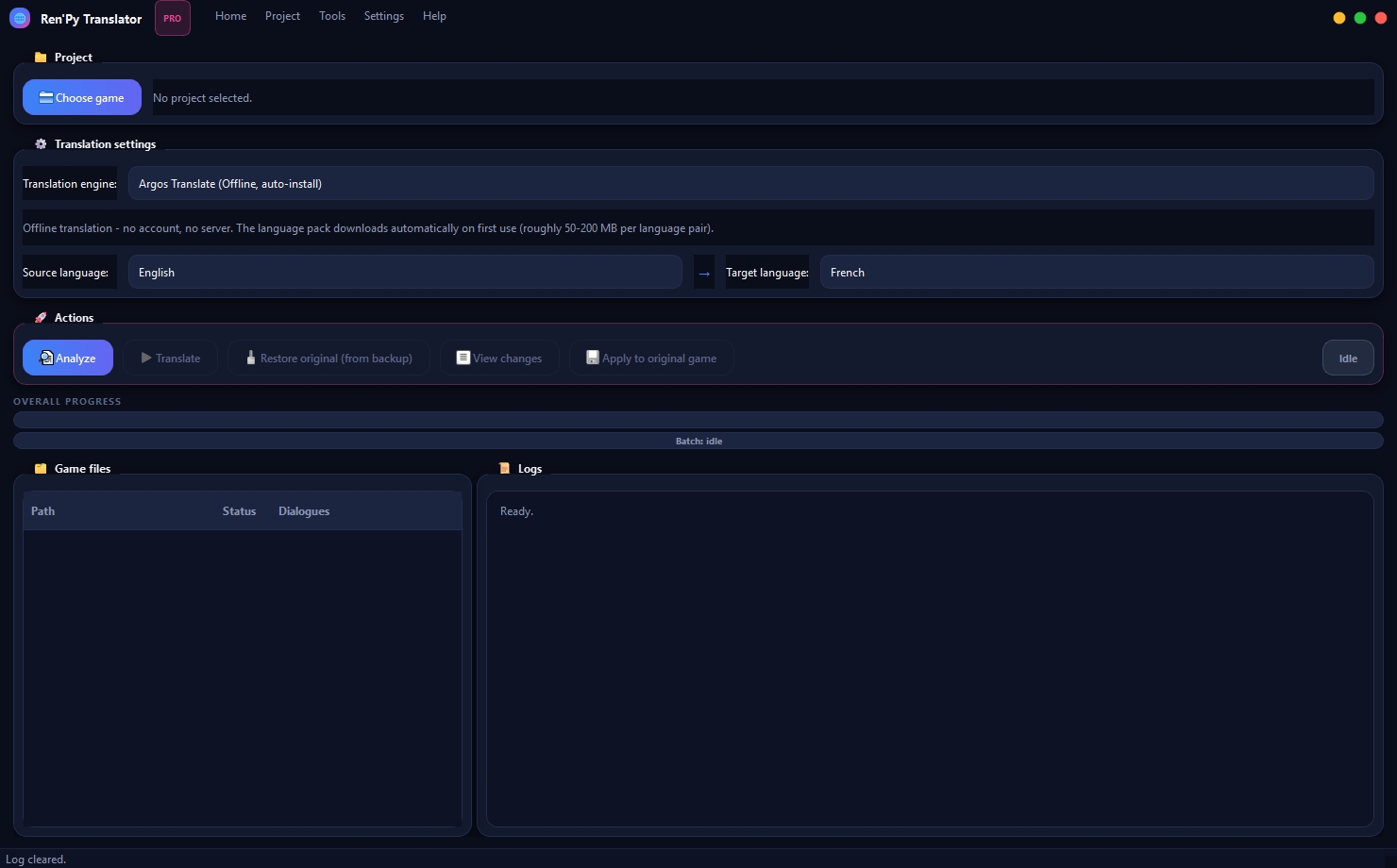
The app is built around the parts that usually make visual novel localization fragile: script scanning, Ren'Py syntax safety, generated tl folders, and packaged game workflows.
Reads every visible .rpy and .rpym file, then counts dialogue, narration, and menu choices before translation starts.
Creates a separate workspace for games shipped as .rpa archives with compiled .rpyc scripts, so your original install stays untouched.
Choose LibreTranslate (public or local), Argos Translate offline, or bring your own Google Translate / DeepL API key.
Text tags, interpolations, and formatting placeholders are kept stable so translated builds are far less likely to crash.
Generates the expected game/tl/<language>/ structure, including the runtime helper files Ren'Py needs to load it.
Automatic .rpy.bak backups, a side-by-side before/after diff, and one-click restore whenever you need a clean slate.
No account, no installer, no hidden setup. Four steps and you're looking at your game's scripts.
Grab the latest RenPyTranslator.exe from the GitHub Releases page below. No Python required.
Double-click the file. If Windows SmartScreen appears, click "More info" only if you trust the release source.
Click "Choose game" and select the folder that contains your project's game/ directory.
Click Analyze, pick your languages, then Translate. That's the whole workflow.
The counters below are pulled live from GitHub and cover every asset download on the latest release.
Want to run the Python source, edit the app, or build your own executable? Use this instead.
git clone https://github.com/AnwarAllal23/renpy-translator-gui.git
cd renpy-translator-gui

python -m venv .venv
.venv\Scripts\activate

pip install -r requirements.txt
python entrypoint.py
On macOS or Linux, activate the virtual environment with source .venv/bin/activate instead.
A source Ren'Py project and a packaged game need slightly different handling. Pick the tab that matches your game folder.
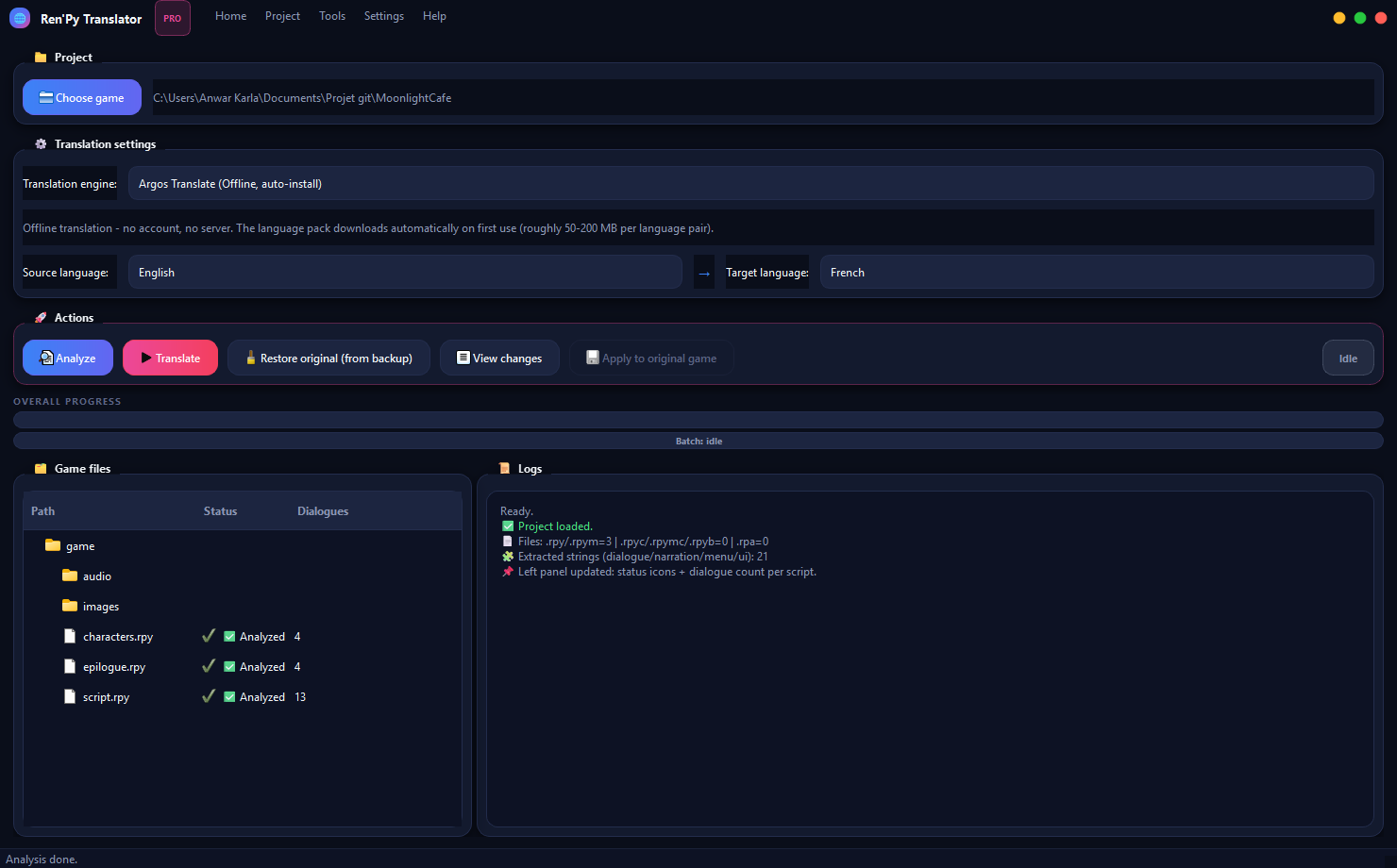
Real capture: a small sample project after Analyze — status icons and dialogue counts appear per file, and Translate lights up once strings are found.
Preparation always happens in a separate workspace under your user profile. The real game folder is only ever modified when you explicitly click "Apply to original game".
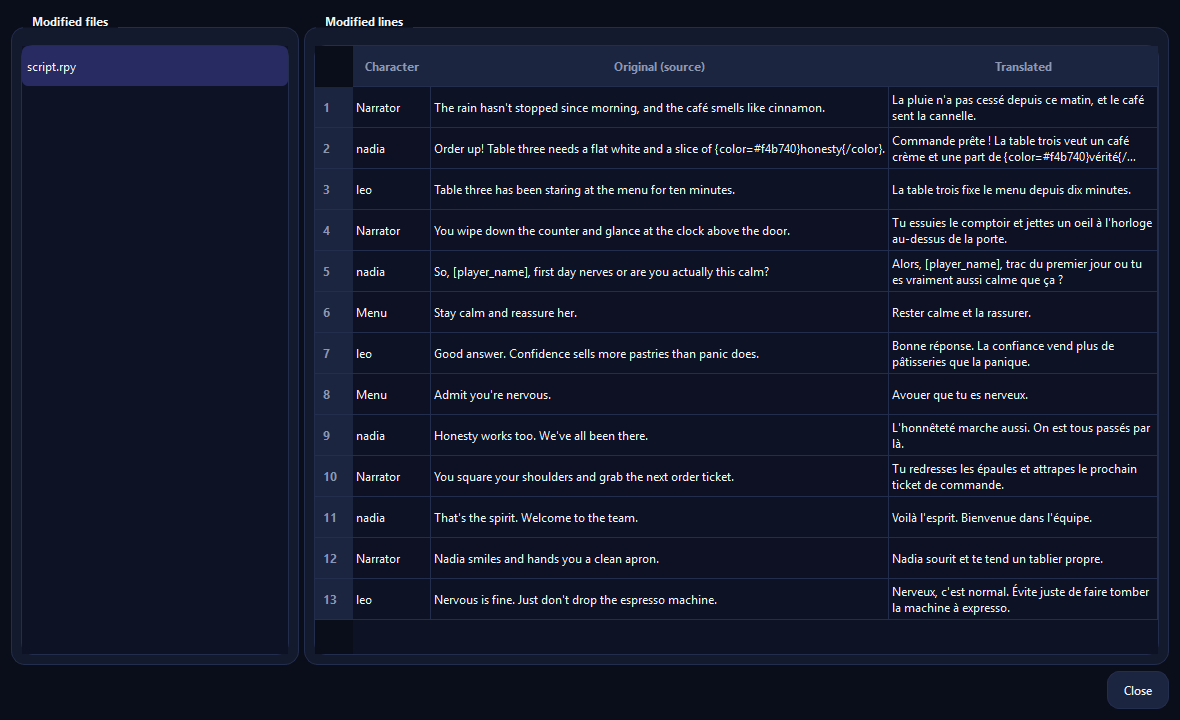
Tools → View changes opens a side-by-side diff pulled straight from the .bak backups — no guessing what actually changed.
Ren'Py strings often carry tags, variables, and formatting markers. Changing them can crash the game, so the app treats them as protected text.
Style and display tags keep the same spelling and order in the output.
{i}…{/i}{color=#fff}Player names and dynamic values inside brackets are never translated.
[player_name][score]Format placeholders are preserved, and a literal percent sign is escaped automatically.
%s%(name)s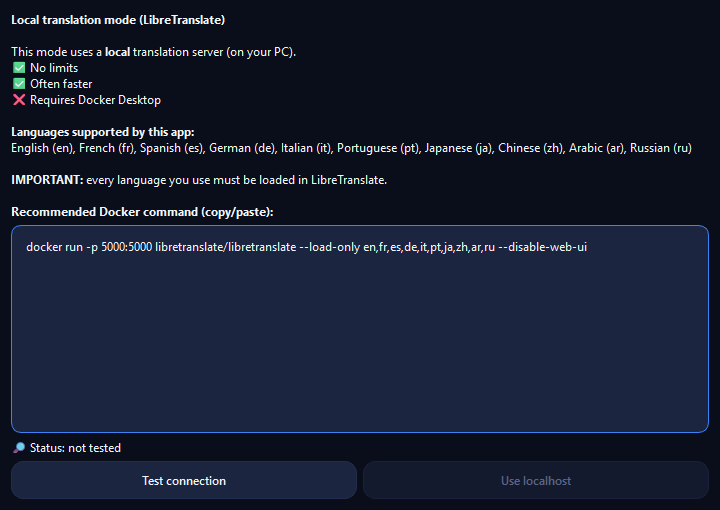
The public endpoint is fine for a quick test, but a local Docker container gives long visual novels an unlimited, steady translation server.
docker run -p 5000:5000 libretranslate/libretranslate --load-only en,fr,es,de,it,pt,ja,zh,ar,ru --disable-web-uiSettings → Preferences lets you flip the entire interface between English, French, and Spanish in one click.
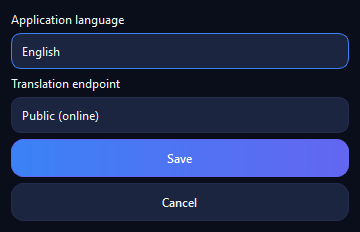 English
Default language
English
Default language
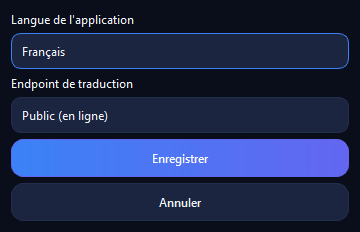 Français
Built into the app
Français
Built into the app
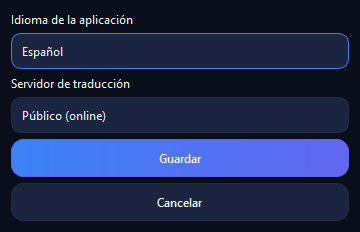 Español
Built into the app
Español
Built into the app
The app writes translated files into game/tl/<language>/. Start the game and choose that language from the Ren'Py preferences menu if the game exposes one.
No — preparation happens in a separate workspace first. The original game is only updated when you click "Apply to original game".
For source projects, yes: the app creates .rpy.bak backups and includes a restore action. For packaged games, keep your original installer or game folder as a fallback.
Public LibreTranslate servers are shared and can be rate-limited. Use the local Docker setup above for big projects or repeated translation passes.
Yes. Ren'Py Translator GUI is open-source under the MIT license — free to use, modify, and redistribute.
Any pair among English, French, Spanish, German, Italian, Portuguese, Japanese, Chinese, Arabic, and Russian, depending on the engine you pick.
Download the latest release, select the folder that contains game/, then let the app analyze before you translate anything.